Build A Boy update #3
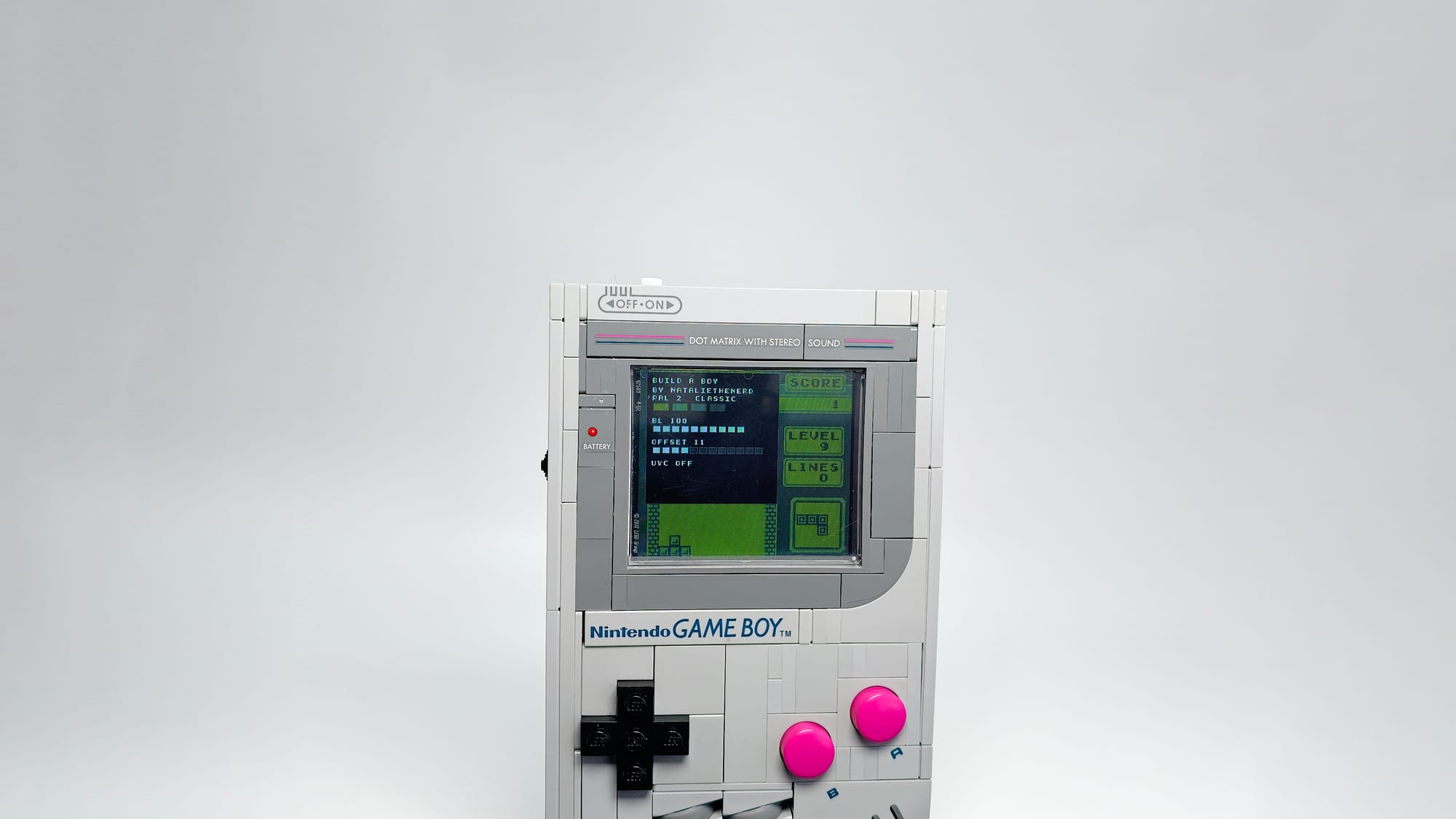
It's been a bit! This post is going to be mostly about the new video out feature and some admin stuff.
Firstly, I have launched the pre-launch page to back the product here.
A quick little tl;dr of why I am doing this through crowd supply:
- I can't afford to produce a big batch without some sort of pre order and I don't feel comfortable taking people's money outright. Using a reputable service like Crowd Supply I have more accountability.
- Crowd Supply will help ship everything out for me from the US so we can avoid tariffs... (self censored rant).
- They will help me with things like EU documentation.
I am very transparent with all of this. I run and make everything solo. I am developing this kit while trying to keep my own store going since this is my only source of income. I had been working on the kit almost non stop which has unfortunatly caused me to fall behind on my store so I have had to pick that back up so I can still fund R&D.
I want to have the device 90% done before I take money so your pre order money will go straight into the manufacturing. That way you know what you are getting and there are no changes to the product. Thank you for your patience.
Dev Update
Finally, after a few months of work I am really happy with the code! If you follow me on instagram, you might have seen me tease this, video out!
This is something I have been working on secretly and I didnt want to announce it until I new I could do it.
The video out works over USB and is viewed in a Chrome browser using WebUSB. Originally, I was trying to use UVC but was due to USB speed limitations, FPS kinda sucked. UVC requires MJPEG or YUY2. YUY2 looked the best but was maxing out the mb/s speed so the fps was stuck at 20. MJPEG was good but I couldn't work out a way to deal with the artifacts. Tobi (https://www.embedded-ideas.de/), who has made some EXCELLENT Open Source screen kits for the Game Boy line suggested watching Sebastian Staacks' lecture where he discusses how he dealt with the artifacts.
The lecture is great and I recommend watching it if you are interested in how a Game Boy works. However the algorithm that Sebastian mentions was too difficult for me to work out how to code.
I have wanted to make a raw pixel stream via usb since it would be a tiny amount of data. When I first started messing with capturing Game Boy data a year ago I used a python script to put the image together. But getting everyone to install python, especially on windows isn't going to happen. So, I went with using a WebUSB. Your PC is a lot more capable of doing the "hard" work vs. a microcontroller.
So, here's where I am at! 60fps out!
Using it is simple. On the Build a Boy, activate the on screen menu to turn on the USB out. When doing this it will turn the screen on the device black, with a message saying video out is enabled. Then you can connect it to your PC via USB and connect to site.
The site has dark mode, lights off mode, recording and the ability to change the device palette.
I promise guys, I am getting closer to finishing it! Thank you for your support as always. If you want to chat, please join my discord: https://discord.gg/ThTNxpd68g
Comments